
UniFi Protect Security Camera Installation
Professional installation of Ubiquiti UniFi Protect cameras, doorbells, and recorders for homes, businesses, and storage facilities, with no monthly fees, local storage, and wireless links for remote areas.
Call 612-910-3032 Request a quoteKey facts at a glance
Used by homeowners, businesses, and installers around the world, UniFi Protect is the system we install. This page explains how it works and what you get.
No monthly subscription
Most camera brands charge monthly to see your own recordings. UniFi Protect works differently. It records to a recorder you own, on your property, and the core features are included with no recurring fee:
- Live view and recording on every camera
- Smart detections for people, vehicles, and animals
- The mobile app, with alerts and remote viewing
- Searchable timeline and clip sharing
Optional paid cloud services exist, but they are not required to use the system. You pay for the equipment and installation once, so your cost stays predictable as you add cameras.
Choosing a camera
We match the camera to the job, not the other way around.
Resolution
- 2K: sharp, reliable footage that is light on storage, great for general coverage.
- 4K: far more detail, so you can zoom into recordings and see faces, vehicles, and fine detail at a distance. It uses more storage.
- Up to 12 MP: available on 360° and wide-angle models that cover a whole area from one point.
More resolution is not always better. A 2K camera on a door can beat a 4K camera aimed at the wrong place, so we plan your coverage first.
Camera styles
| Style | Best for |
|---|---|
| Bullet | Driveways, building sides, and long views. Easy to aim and built for the weather. |
| Turret | Entrances, garages, and tight spaces. Compact and low profile. |
| Dome | Ceilings and soffits where you want a clean, discreet look. Vandal-resistant models are available. |
| PTZ | Pan, tilt, and zoom to cover big yards and lots, or to follow activity. |
| 360° and wide-angle | Covering a whole room or yard from a single mounting point. |
| AI LPR | A dedicated license plate camera with a zoom lens tuned for reading plates. |
| Doorbell | The front door, with a package camera and two-way audio. See below. |
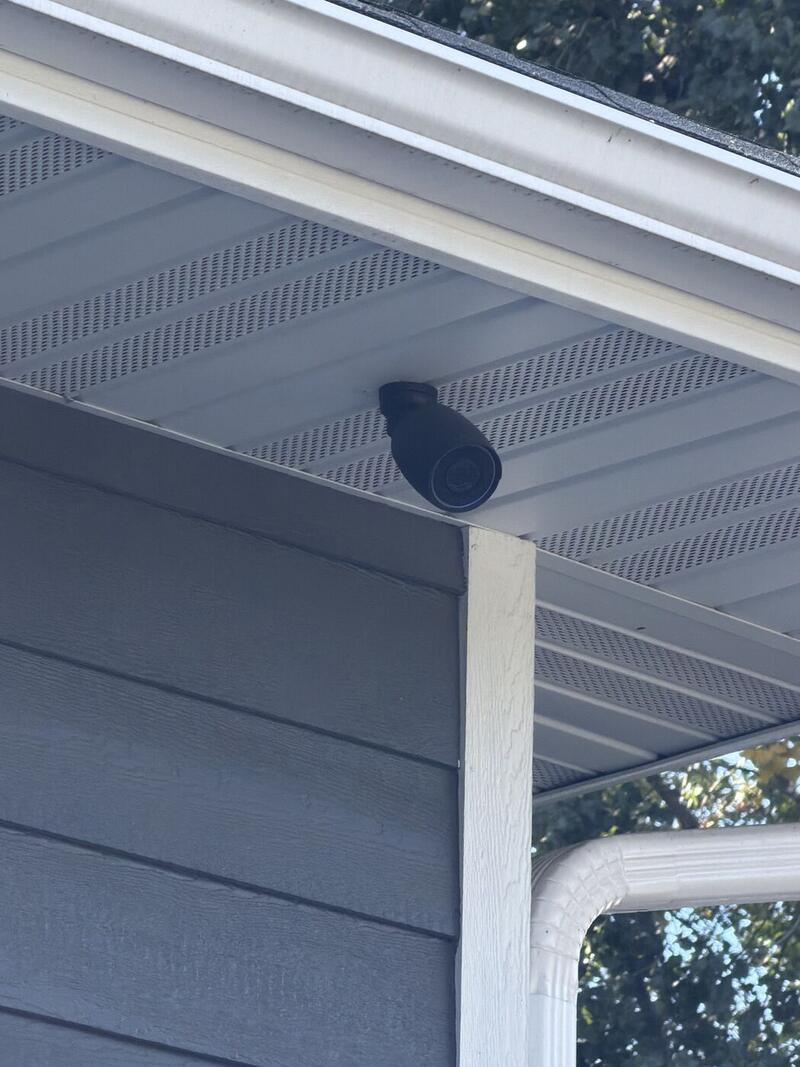
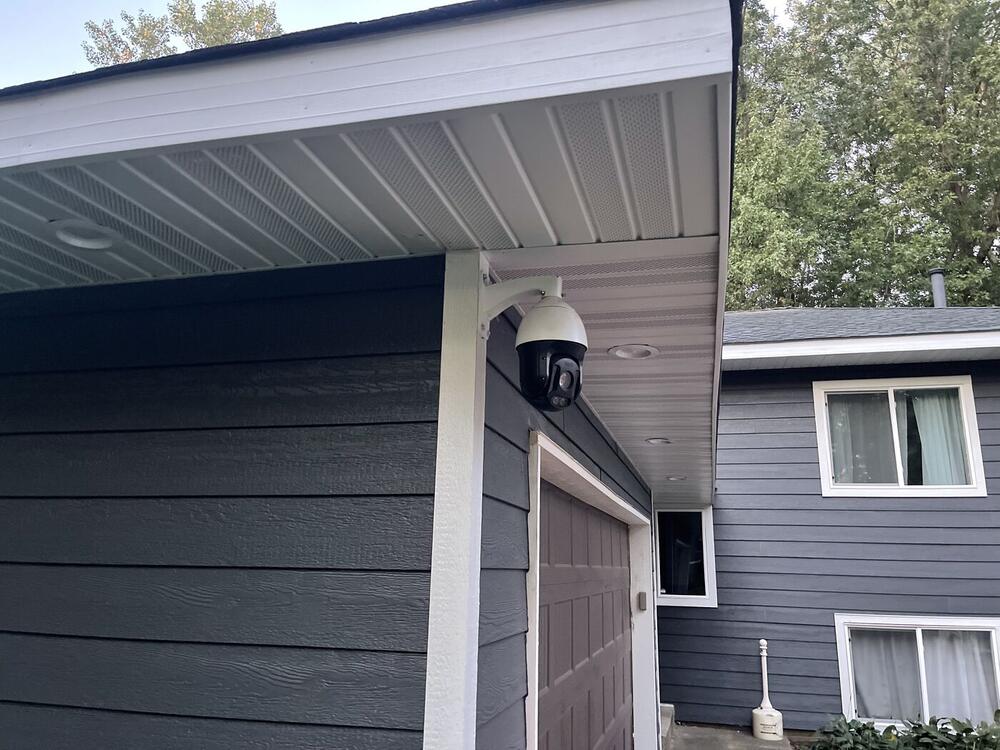
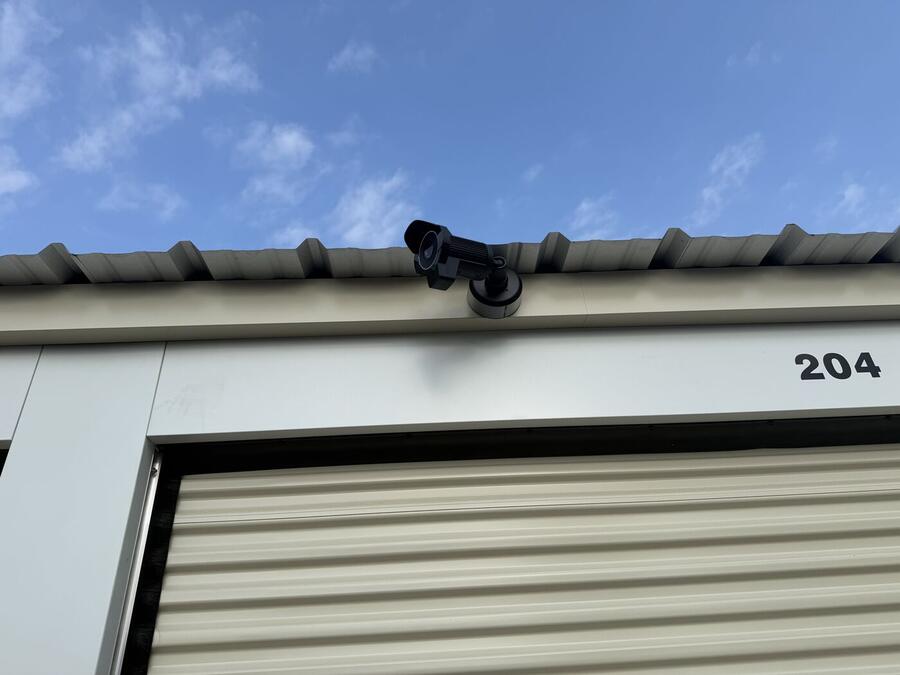
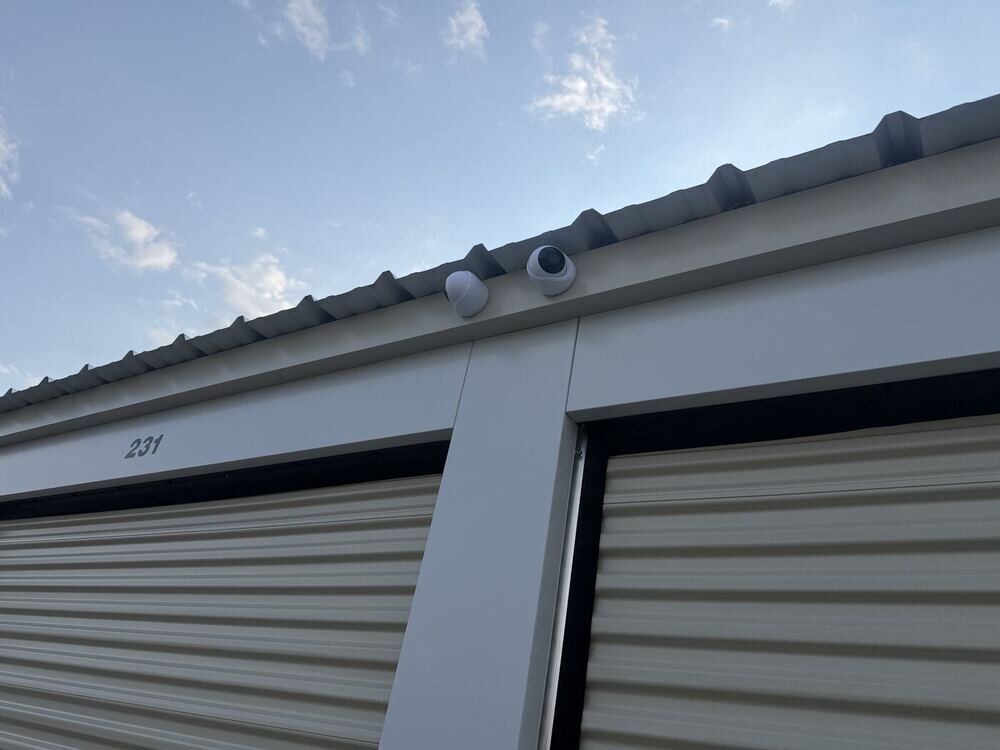
AI cameras and smart detections
UniFi’s AI cameras do the thinking on the camera and your own recorder, not in someone else’s cloud, so alerts are about things that matter. Features vary by camera model, and we choose models that fit what you need. Supported cameras can detect and search for:
- People, vehicles, and animals, so you are not alerted for every passing shadow
- Smart detection zones, so the driveway alerts you and the street does not
- Face recognition on supported models
- License plate recognition (LPR) on supported models, so you can search recordings by plate
- Line crossing and counting on supported models, useful for entrances and gates
- Audio recognition on supported cameras
Optional upgrades for larger systems
- AI Key adds search in plain words, such as “FedEx truck,” plus speech transcription and enhanced face and plate recognition.
- AI Port can add AI features to compatible cameras that do not have them built in.
Automations
Protect’s Alarm Manager can act on detections: send a notification, turn on a light, move a PTZ camera, or unlock a door with UniFi Access. It is a big reason we pair cameras with gate and door access control.
License plate cameras
A dedicated AI LPR camera uses a zoom lens and night vision tuned for reading plates, even on vehicles that are moving. Logged plates can be searched later, which helps at gates, entrances, parking lots, and storage facilities.
Plate reading depends on the angle, distance, vehicle speed, and lighting. A camera that covers the whole scene and a second one aimed at the plate often work better together, and we plan the mounting position for you.
Video doorbell
UniFi’s G4 Doorbell Pro is a different kind of doorbell. It has a main camera plus a second camera pointed down to see packages, a screen that can show a welcome message, two-way audio, and AI detections. It records to your own recorder, so there is no subscription.
It comes in a PoE kit with a matching chime, so one network cable powers the doorbell and the chime, with no battery to recharge.
Why PoE beats Wi-Fi
PoE (power over ethernet) sends power and data to the camera over one network cable. It is the way professional systems are built:
- Reliable: a wired camera does not drop out when the Wi-Fi is busy or the signal weakens.
- No batteries: nothing to charge, replace, or forget.
- One cable: power and video together makes a clean install and fewer failure points.
- Steady quality: full-resolution video with no wireless congestion.
- Backup power: put the switch on a battery backup and your cameras keep recording through a power outage.
- Secure: a wired connection gives an attacker fewer ways in than a Wi-Fi signal.
When a spot is too far to run cable, we use dedicated wireless links, covered below.
Local storage, with backup options
Your footage records to a UniFi recorder (NVR) on your property. We size it to your job:
- How many cameras you have and what resolution they record
- How many days of video you want to keep
- Whether you want drive redundancy (RAID), so one failed drive does not lose your footage
UniFi offers compact recorders for smaller systems and rack-mount recorders with multiple drive bays for larger sites, and we choose the right one. Some cameras also keep a short backup on a memory card. Ubiquiti does not copy your video to its cloud by default. If you want an off-site copy in case a recorder is stolen or damaged, cloud backup options are available, and we will help set up what fits. We also handle cabling, switches, and PoE power.
Private by design
Many camera brands send your video to their own servers by default. UniFi Protect is built the other way around:
- Recordings stay on your hardware. Ubiquiti says it never sees your video and cannot view or access your streams.
- AI runs locally. Detection and recognition are processed on your own network, not in the cloud.
- Encrypted viewing. Remote viewing connects your phone to your recorder through an encrypted channel.
- You are in control. Remote access is optional and can be turned off for local-only use.
As with any account-based system, a free Ubiquiti account is used to connect your phone remotely, so we recommend a strong password and two-factor sign-in, and keeping firmware up to date. We will walk you through how your system is set up, so you know where your footage lives.
The UniFi Protect app
See everything from your phone, tablet, or computer:
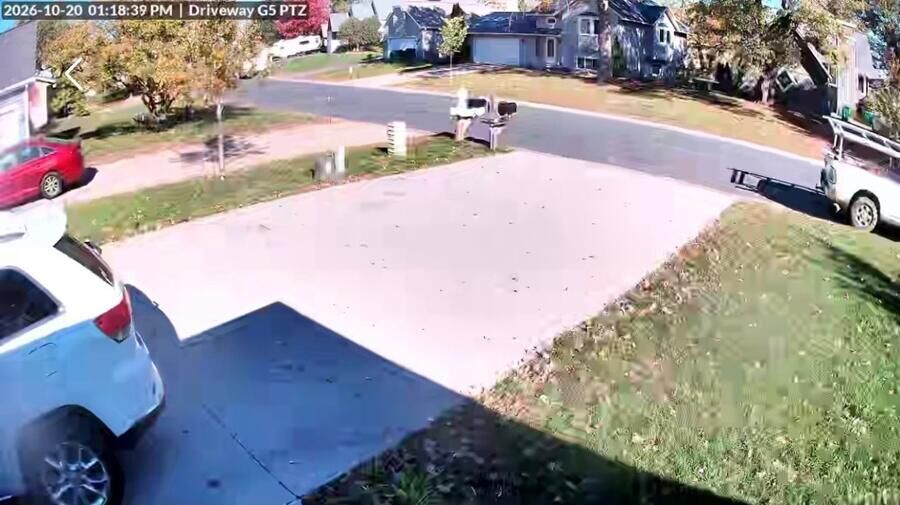
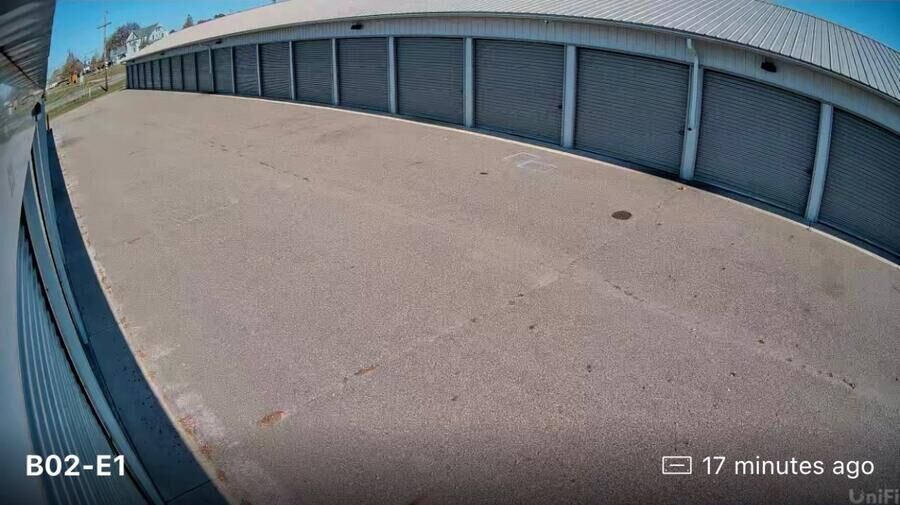
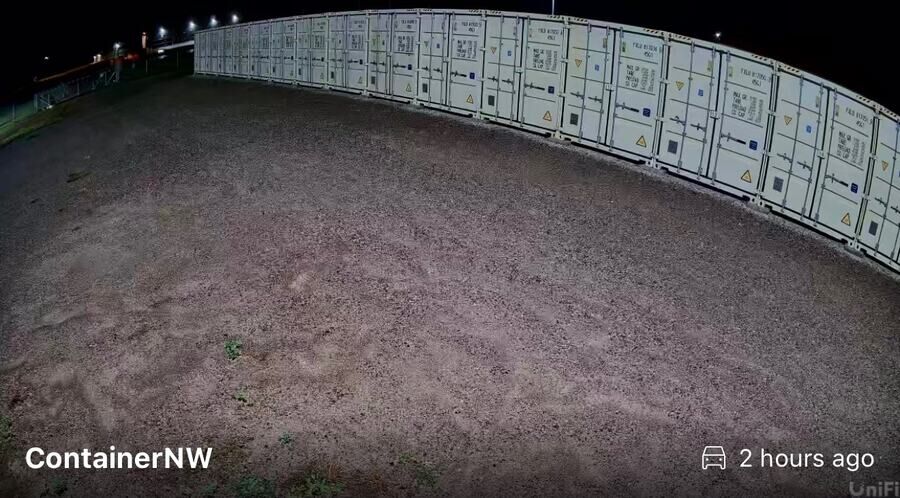
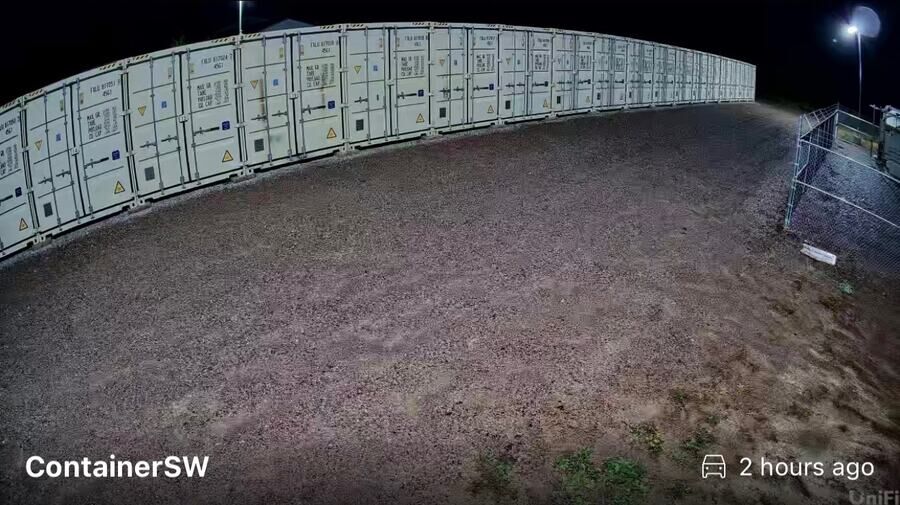
- Live view of every camera on one screen
- A timeline you can scrub through to find an event
- Filters for people, vehicles, and animals on supported cameras
- Alerts on your phone when something is detected
- Easy sharing of clips when you need to send footage
ViewPort: your cameras on a security monitor
A UniFi Protect ViewPort turns any TV or monitor into a security display. It plugs into your network with one PoE cable, connects to the screen with HDMI, and shows your live cameras in the layout you choose.
- Show up to 16 cameras at once, in 4K
- Build custom layouts, or rotate views every few seconds or when motion is detected
- Mount it behind the monitor so nothing hangs on the wall
- Manage it from the same Protect system as everything else
It suits front desks, shop offices, warehouses, and homes that want a camera wall.
Wireless cameras for remote areas
Some places are too far or too costly to run cable to: storage yards, large lots, farms, outbuildings, and parking areas. We connect cameras there with a point-to-multipoint (PtMP) wireless network.
- The hub: a Ubiquiti Rocket Prism radio paired with an omnidirectional antenna, which covers 360° around the mounting point.
- At each camera: a Ubiquiti NanoStation M5 (NSM5) links back to the hub, and the camera connects to it.
- One hub, many cameras: a single hub can serve several camera locations around a property.
Cameras can go on existing light poles, buildings, or new poles, with equipment protected in weatherproof enclosures.
Availability
Wireless camera links are available for remote areas around Coon Rapids and the north metro. Every site gets a quick survey first, because line of sight, distance, and terrain decide what will work. Call 612-910-3032 to schedule one.
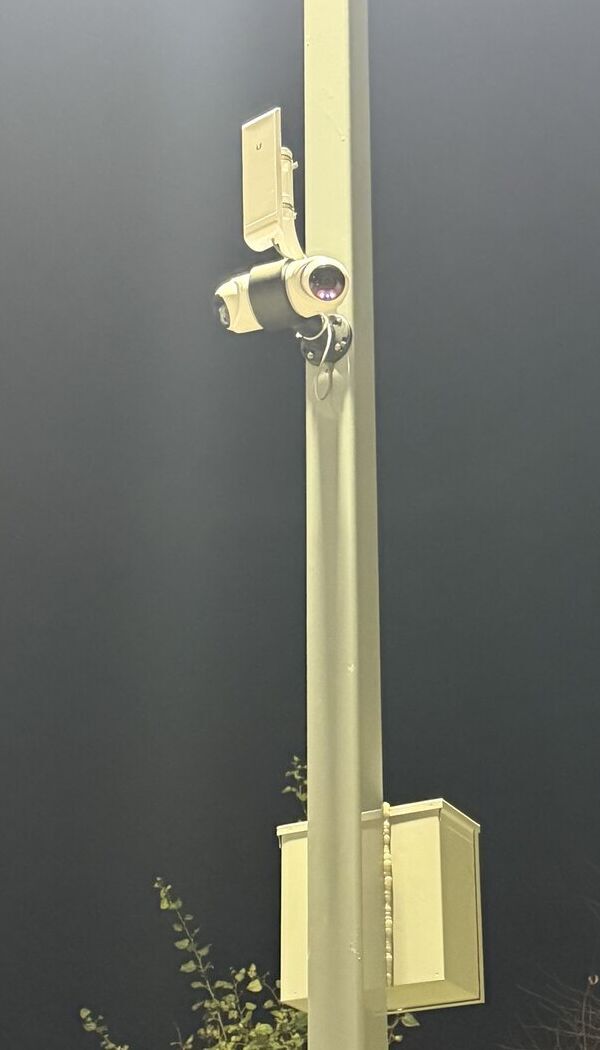
A camera and NanoStation radio on a light pole, linked wirelessly to the hub.
How it works
- Walk the propertyWe look at what you want to see and where cameras should go.
- Plan and quoteYou get camera types, recorder size, and a clear price.
- Install and set upClean cabling, aiming, and configuration.
- Show you the appYou learn to view, search, and share your footage.
Where we install
- Homes: driveways, doors, garages, and yards
- Businesses: entrances, shops, lots, and loading areas
- Storage facilities and container yards
- Farms and rural properties, using wireless links
- Gates and garage doors, paired with access control and door service
Frequently asked questions
Do I have to pay a monthly fee?
No. UniFi Protect records to your own recorder, and core features such as live view, recording, smart detections, and the mobile app do not require a subscription. Optional paid cloud services exist but are not required.
Can I watch my cameras from my phone?
Yes. The UniFi Protect app gives you live view, recordings, and alerts from anywhere you have an internet connection.
Does Ubiquiti see my video?
Ubiquiti states that it cannot view, store, or access your video streams. Recordings stay on your recorder, and remote viewing uses an encrypted connection to it. Remote viewing does use a free Ubiquiti account, and it can be turned off if you prefer local-only access.
What happens if my internet goes down?
Your cameras keep recording to your local recorder. Remote viewing and push alerts need an internet connection, so they resume when it returns.
How long is video stored?
It depends on the number of cameras, their resolution, and the recorder’s drive space. We size the recorder to the number of days you want to keep.
Do the cameras use Wi-Fi?
Our installs are wired with PoE, which carries power and data on one cable and is more reliable than Wi-Fi. For remote areas, we use wireless radio links instead of Wi-Fi.
Can you read license plates?
Yes, with supported cameras. A dedicated license plate camera works best, and results depend on the angle, distance, vehicle speed, and lighting, which we plan for at install.
Can you put cameras where there is no cable?
Often yes. We build point-to-multipoint wireless links with Ubiquiti radios to reach remote areas such as yards, lots, and outbuildings. A site survey confirms what will work.
How far can a wireless link reach?
It depends on terrain, obstructions, and the equipment used, so we survey the site first instead of promising a number.
Can cameras work with my gate or door access?
Yes. UniFi Protect can trigger actions with UniFi Access, such as unlocking a door, and we install both.
Can I add cameras later?
Yes. UniFi Protect grows with you, so you can add cameras, including at other buildings, without replacing what you have.
Serving homeowners and businesses near you
Security cameras and more in: